







EagleSpy V5 Cracked
EagleSpy V5 Cracked Android Spyware
1. Overview of the EagleSpy V5 Cracked Control Panel Architecture
The EagleSpy V5 Cracked interface presents a centralized command-and-control (C2) dashboard, typical of advanced Android spyware frameworks. The GUI is designed to aggregate device status, surveillance capabilities, and control modules into a single administrative environment.
From a research perspective, the interface reflects:
Modular malware architecture
Operator-oriented usability
Emphasis on real-time visibility and persistence
2. Dashboard and System Status Indicators of EagleSpy V5 Cracked
2.1 Victim Management Panel
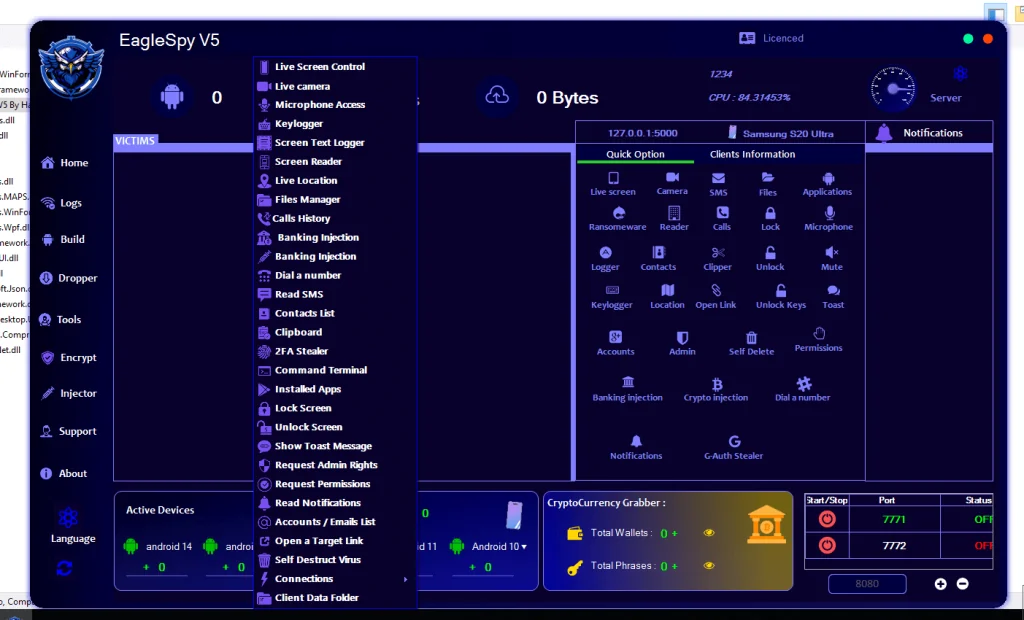
The primary dashboard includes a “Victims” or connected devices section, which appears to summarize:
Number of active devices
Device OS versions (Android 10–16)
Unknown or unidentified devices
Research implication:
This suggests device fingerprinting and classification logic within the malware’s backend.
2.2 Resource and Server Indicators
The GUI displays:
CPU utilization
Network traffic counters (bytes uploaded/downloaded)
Local or loopback server references (e.g., localhost indicators)
Client Information and Device Profiling of EagleSpy V5 Cracked
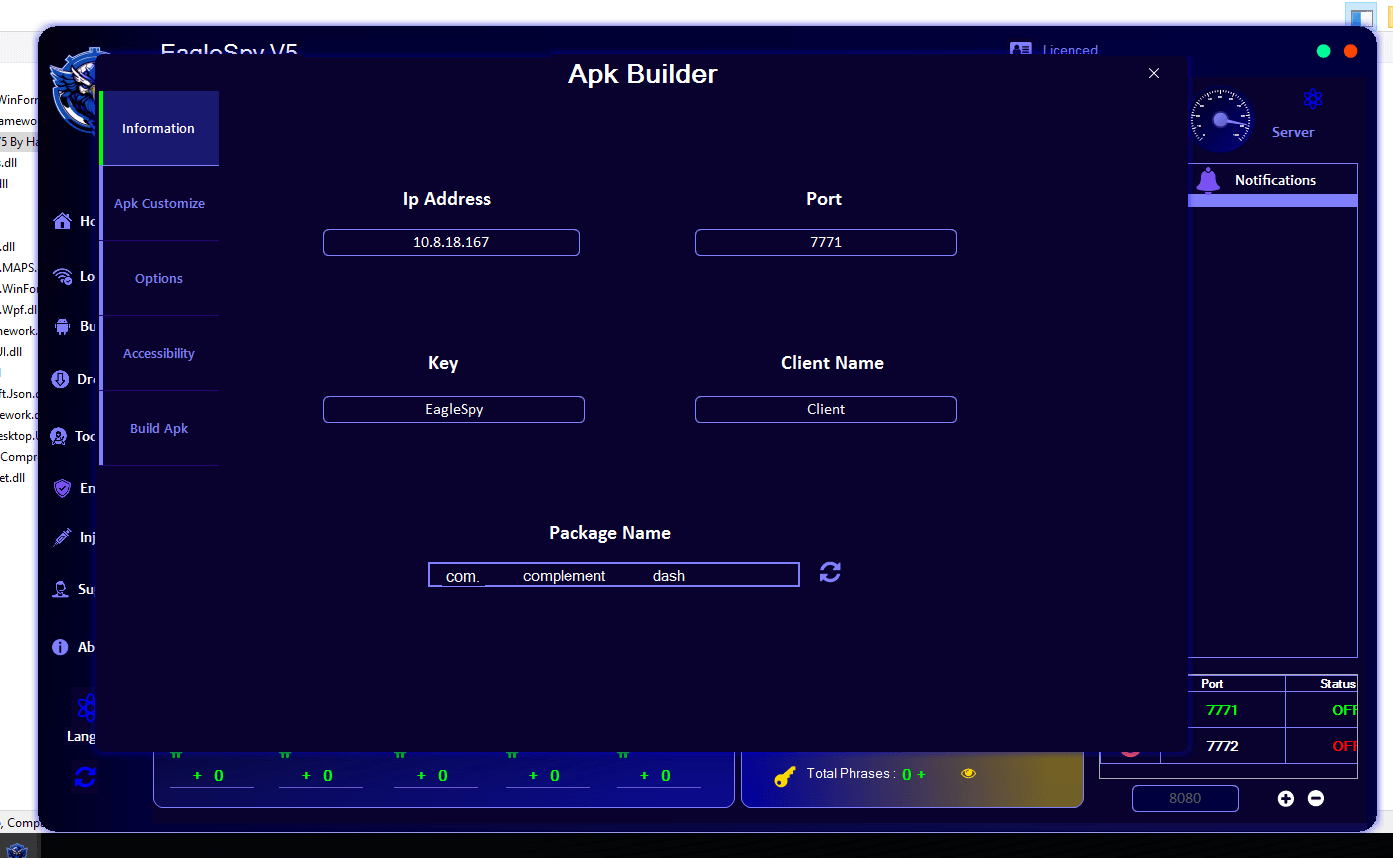
3.1 Device Identification Panel
A dedicated panel displays specific device identifiers, such as:
Device model (e.g., Samsung S20 Ultra)
Client naming conventions
Connection state
Security implication:
This reflects structured client-device mapping, useful for long-term monitoring and targeting.
3.2 Operating System Segmentation
The GUI categorizes devices by Android version.
Research insight:
This segmentation implies version-aware behavior, allowing malware operators to adapt tactics depending on OS-level security restrictions.
Surveillance and Data Access Modules (High-Level Analysis)
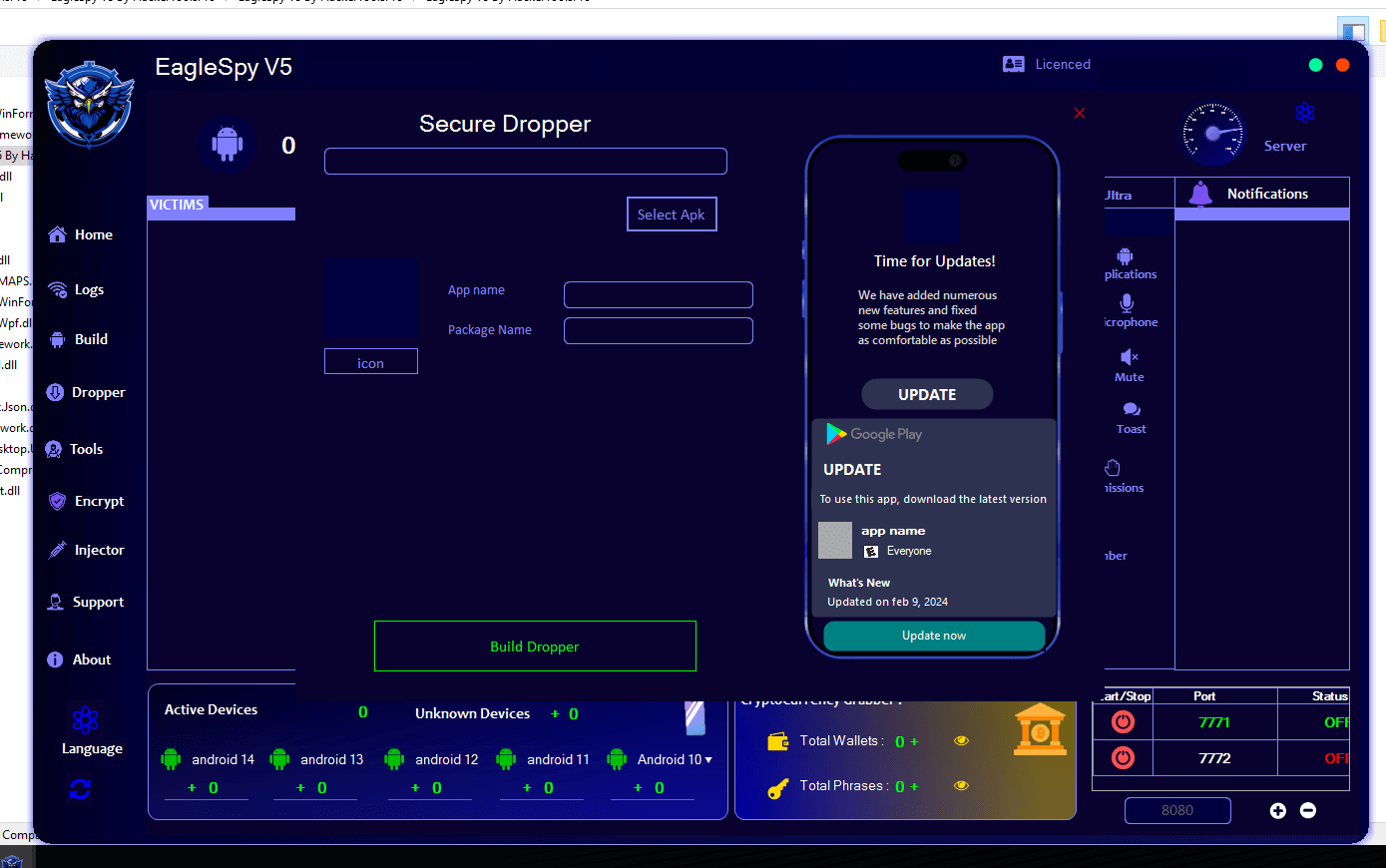
4.1 Live Interaction Capabilities
The interface lists modules labeled for:
Live screen viewing
Camera access
Microphone access
Academic interpretation:
These modules align with real-time surveillance spyware, prioritizing direct sensory data extraction.
4.2 Communication and Content Access
Visible GUI elements reference access to:
SMS
Call logs
Contacts
Notifications
Threat model relevance:
Such access enables behavioral profiling and social graph reconstruction.
4.3 Input and Activity Logging
Modules labeled as:
Keylogging
Screen text logging
Clipboard access
Research significance:
These features indicate credential harvesting and behavioral monitoring objectives, common in advanced spyware families.
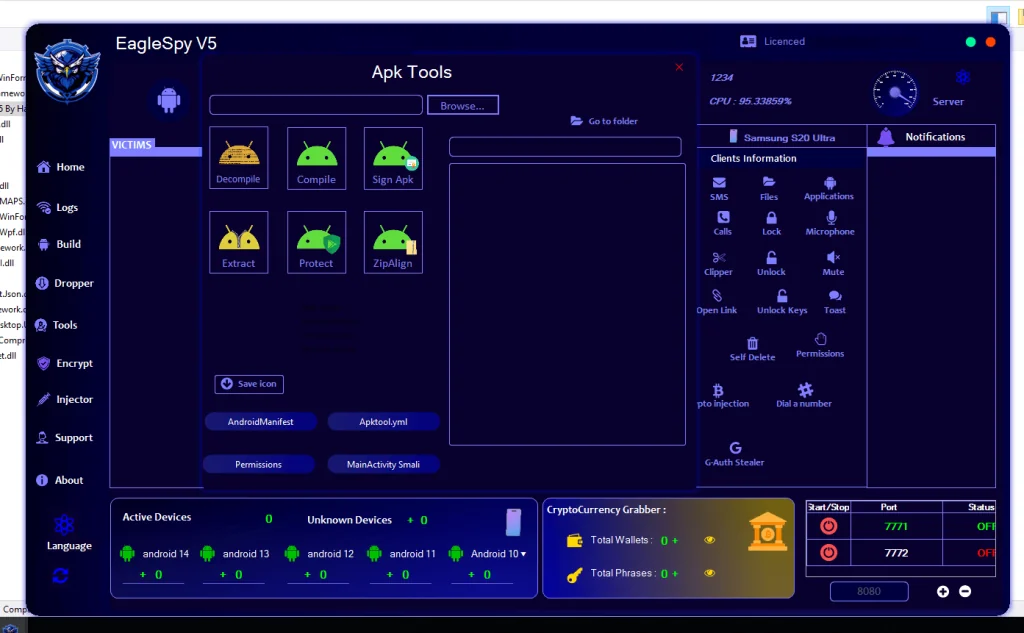
5.1 Location Monitoring
The presence of a “Location” or “Live Location” feature suggests:
Geolocation tracking
Movement analysis
Privacy impact:
Location surveillance significantly escalates the risk profile of spyware by enabling physical-world correlation.


EagleSpy V5 Cracked
MediaFire is a simple to use free service that lets you put all your photos, documents, music, and video in a single place so you can access them anywhere and share them everywhere.
www.mediafire.com